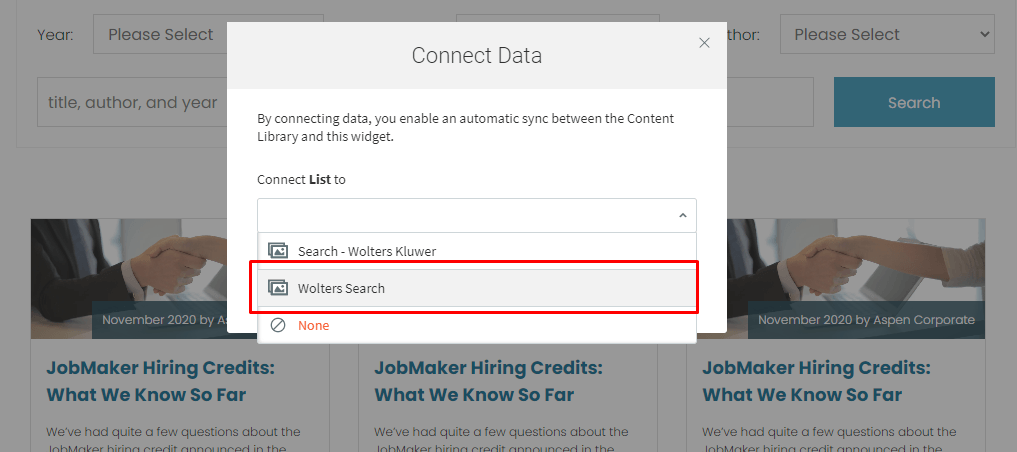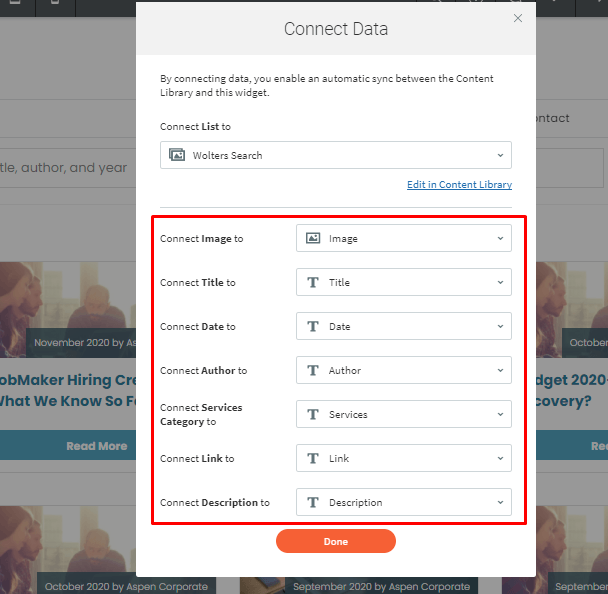
Search With Collection
Create Internal Collection
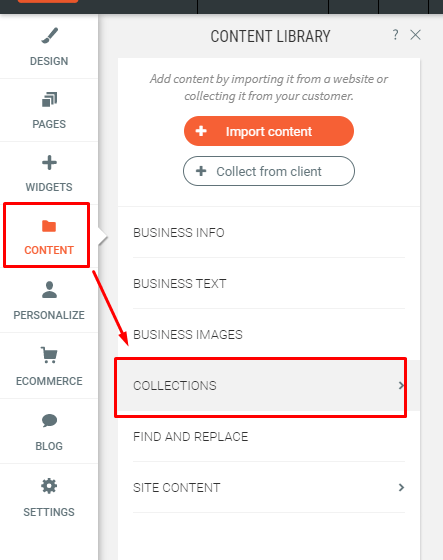
1. Go to Content > Collections
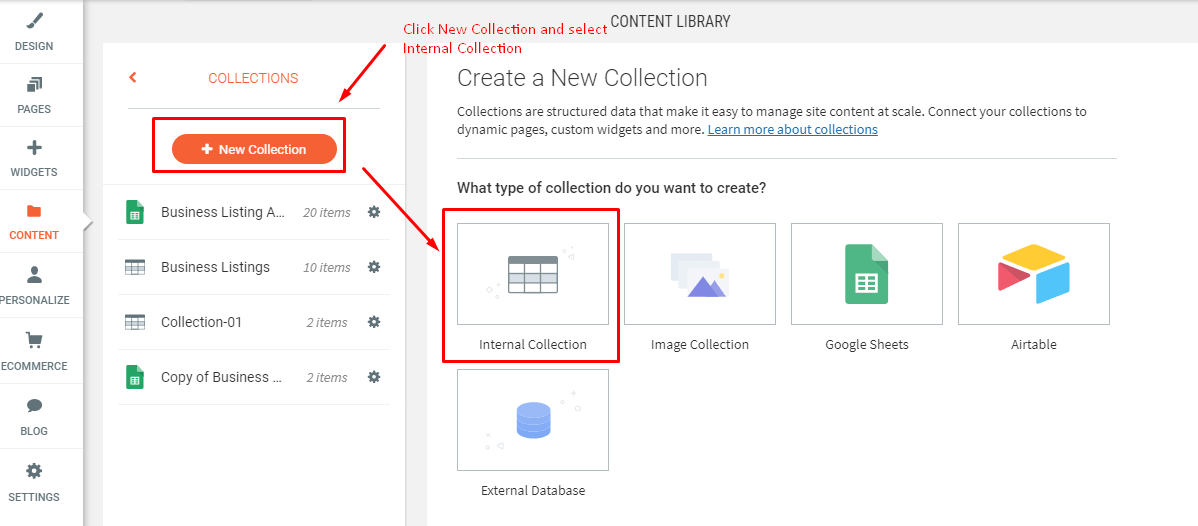
2. Click New Collection > Internal Collection
3. Change Collection Name. Add new column. Add new row
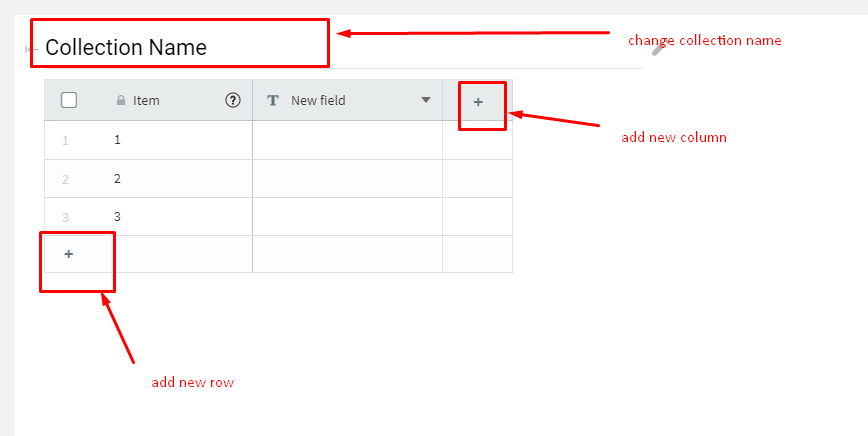
4. New Paragraph
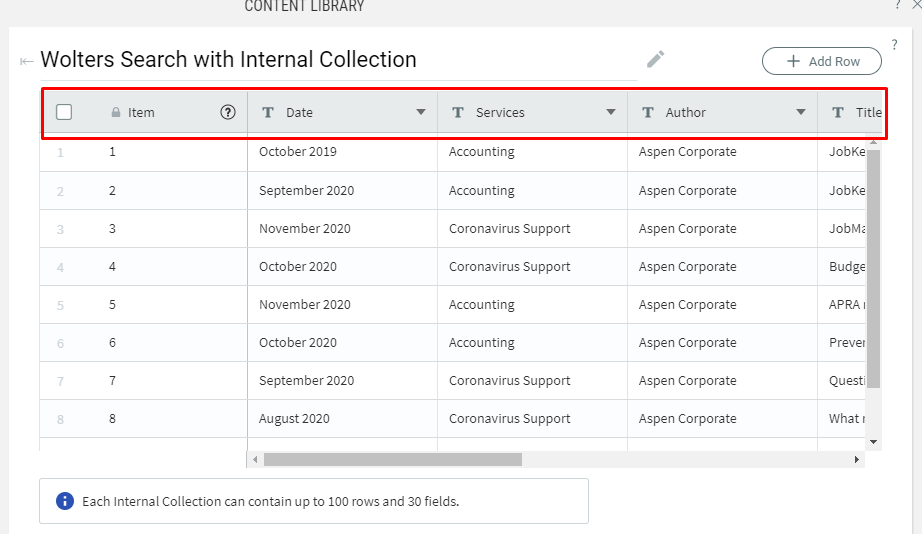
5. New Paragraph
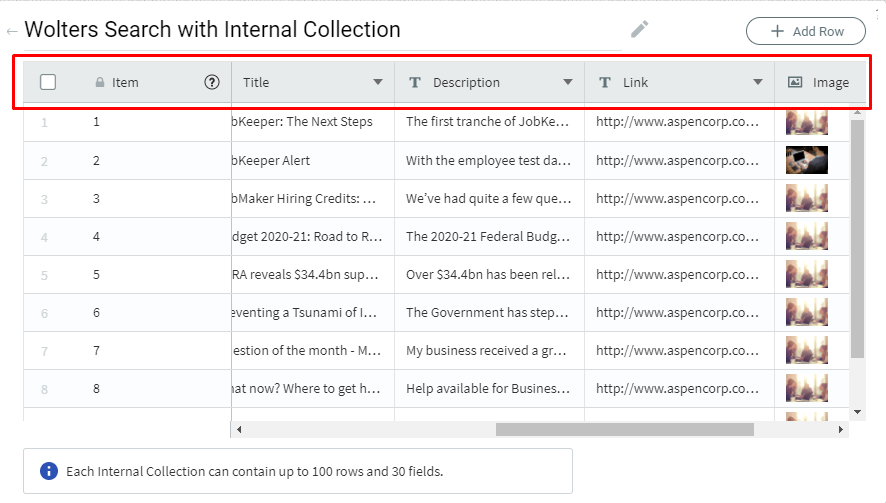
6. New Paragraph
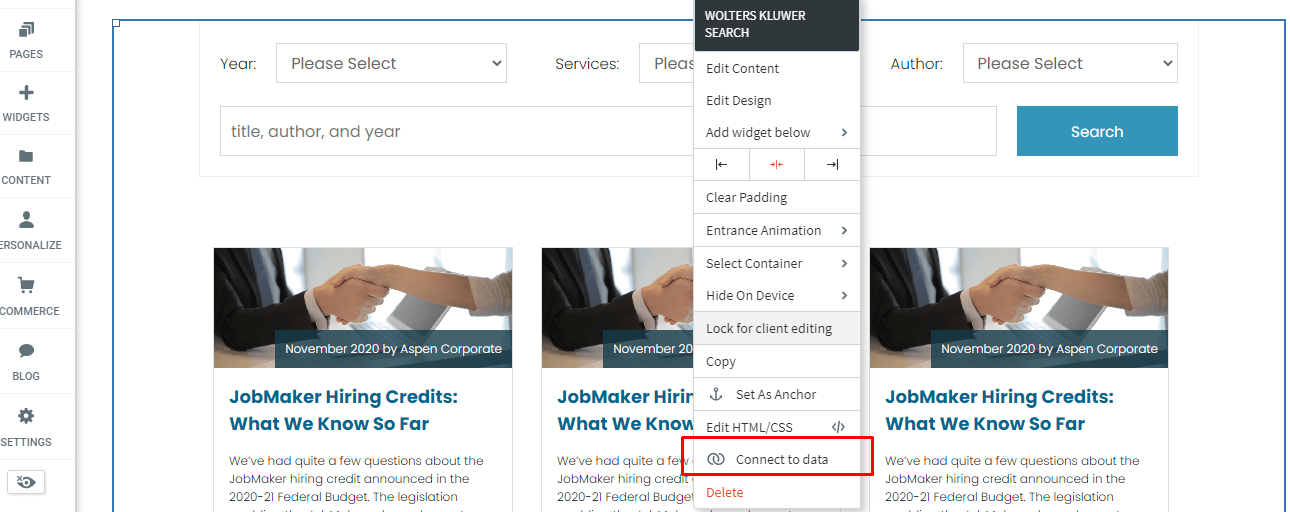
7. New Paragraph
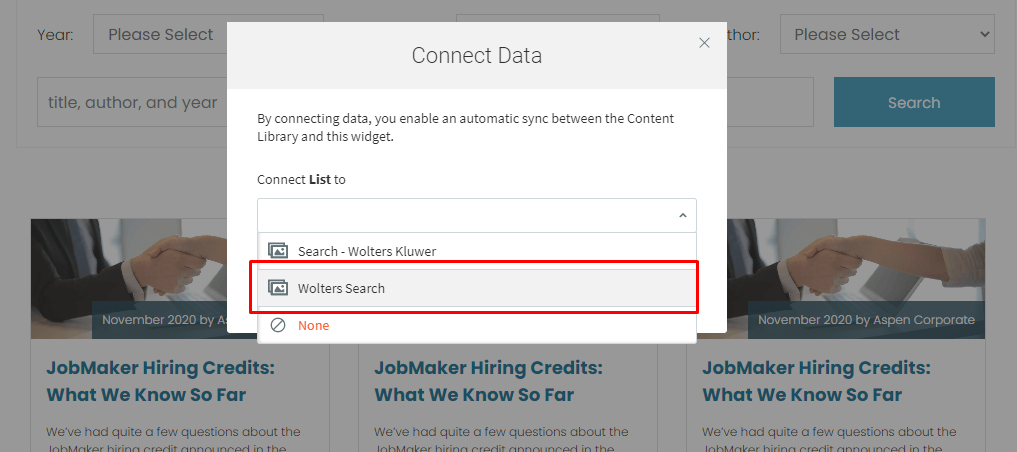
8. New Paragraph
Create "Collections" from Google Spreadsheet or Airtable
1. Get Google Spreadsheet or Airtable template
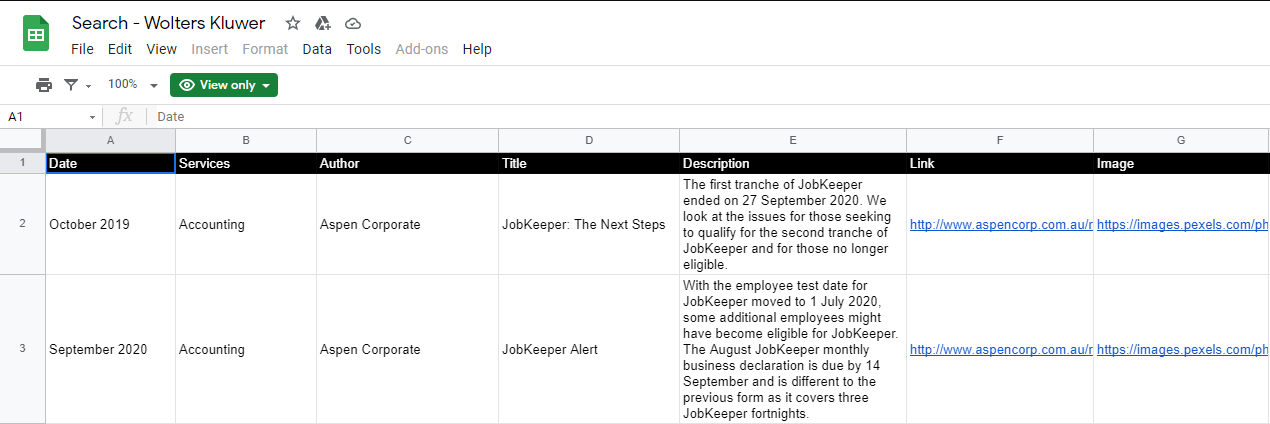
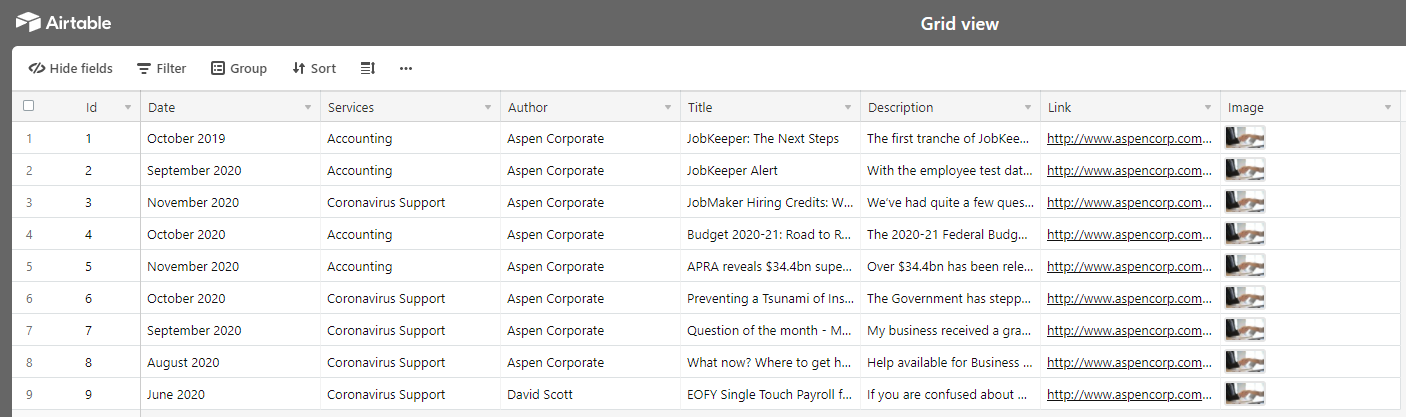
2. Go to Content > Collections
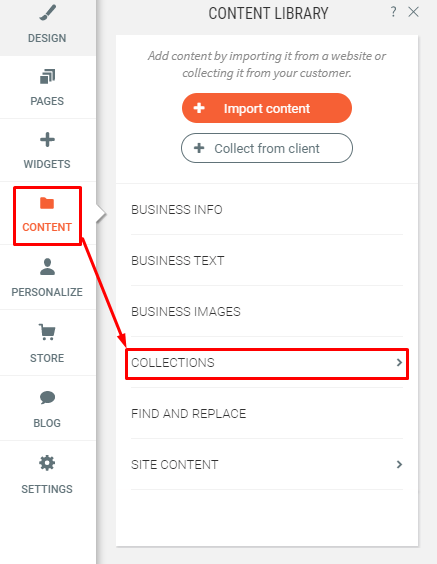
4. Click New Collection
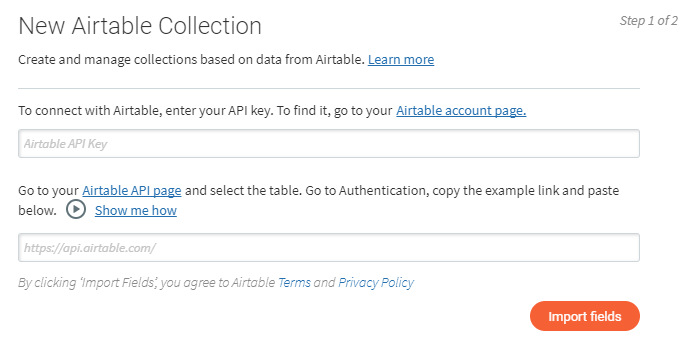
5. Choose between Google Sheets and Airtable.
6. Follow the instructions on how to connect the data to your collections.
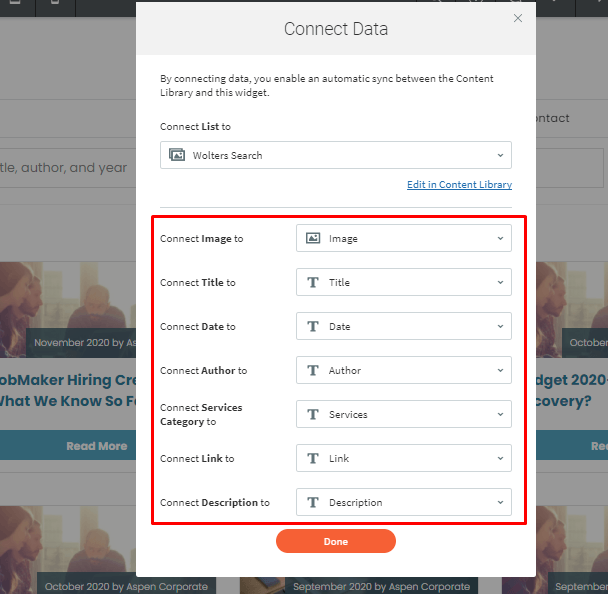
7. Go and right click the widget and choose Connect Data
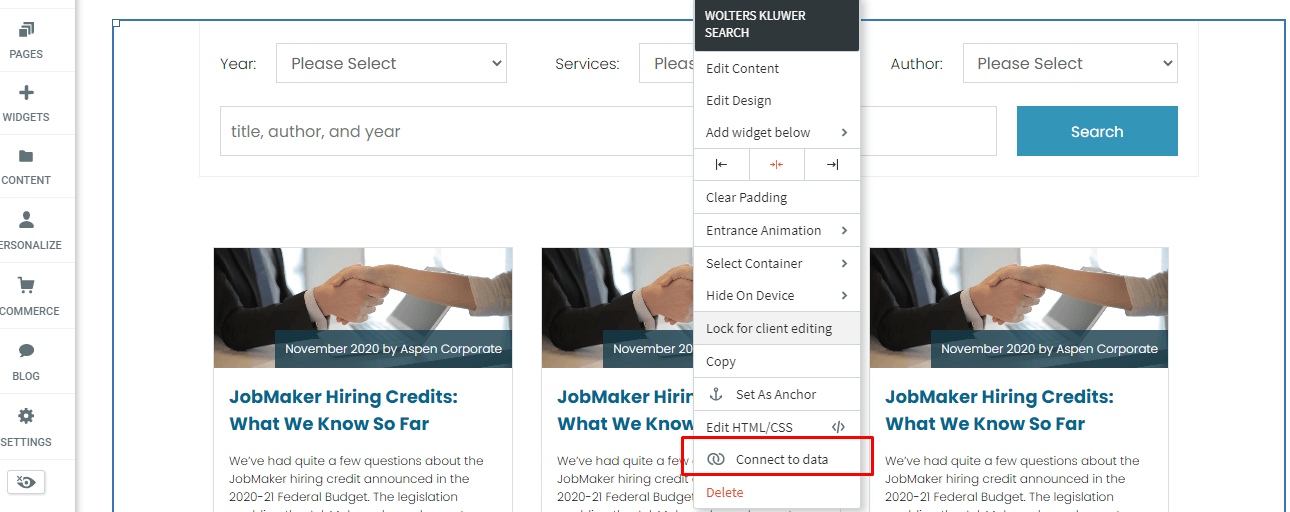
8. Choose the collection link and connect the fields link.